The WeCreat Vista sits in an interesting sweet spot between entry-level laser engravers and more expensive professional machines. With its innovative FlipLaser system and surprisingly compact footprint, it aims to bring professional-grade features to the desktop maker space. The Vista’s 16.34 x 11.42-inch working area strikes a balance between desktop convenience and practical utility, while its enclosed design and built-in air assist make it suitable for home workshops and small business environments.
Right out of the box, the WeCreat Vista comes ready for laser engraving with its built-in air assist system – a feature often sold separately by competitors. While the base unit is well-equipped for most tasks, optional accessories like the Auto Pass Through Feeder and rotary attachment can expand your creative possibilities even further. After putting this machine through over 100 hours of rigorous testing across dozens of materials and projects, I’m ready to share my comprehensive review of this innovative desktop laser engraver. Let’s dive into what makes the WeCreat Vista stand out in today’s competitive market.
WeCreat Vista
Pros
- 👍 FlipLaser rotary function
- 👍 Built-in air assist
- 👍 HD TopView camera
- 👍 Metal safety enclosure
Cons
- 👎 WiFi connection issues
- 👎 Basic software features
- 👎 Clear acrylic challenges
- 👎 Premium add-ons costly
Getting Started: Surprisingly Simple Setup
The first thing that struck me when unboxing the WeCreat Vista was its thoughtful packaging and surprisingly compact size. At just 25.3 x 18.5 x 6.5 inches, it’s noticeably more desk-friendly than many competitors. The 31.9-pound weight means you might want a helping hand for initial setup, but it’s manageable for most users to move around when needed.

Setup took me about 15 minutes from box to first test cut, which is impressive for a laser engraver. The included manual is refreshingly clear, and everything clicks together intuitively. One thing I particularly appreciated was the built-in air assist system – a feature often sold separately with other machines but included standard here.
The Standout Feature: FlipLaser Innovation
The WeCreat Vista’s marquee feature is its FlipLaser system, and after testing it extensively, I can say it’s not just marketing hype. The ability to rotate the laser head 90 degrees is genuinely game-changing for anyone working with cylindrical objects. I tested it with several 40oz tumblers, and the difference compared to traditional rotary setups is night and day.
Traditional lasers often require clunky risers and complex adjustments for tumbler engraving. With the WeCreat Vista, I simply flipped the laser head horizontal, attached the rotary attachment (available in upgraded packages), and was engraving within minutes. The machine’s 6.5-inch height becomes an advantage here – I could engrave large tumblers right on my desk without any additional height requirements.
Working Space and Material Compatibility
After extensive testing, I found the WeCreat Vista’s 16.34 x 11.42-inch working area (essentially A3 size) to be surprisingly versatile. While it might seem modest compared to larger machines, it’s handled about 90% of my typical projects without issue. What’s particularly clever is the expandability – with the optional Auto Pass Through Feeder, you can work with materials up to 137 inches long. I tested this feature with several banner projects, and while it requires some attention to alignment, it works seamlessly once set up.
The machine accommodates materials up to 1.57 inches thick, which I found adequate for most projects. Without the bed tray, you can work with materials up to 40mm high, while with the tray installed, you’re limited to 20mm – something to keep in mind when planning your projects.
Real-World Performance Testing
I put the WeCreat Vista’s 10W diode laser through its paces across various materials, and the results were consistently impressive, though with some limitations worth noting. Here’s what I found in real-world testing:
Wood Engraving and Cutting: The WeCreat Vista handled 3mm plywood cleanly, though I needed to dial in the settings first. My initial attempts at full speed were unsuccessful, but after slowing things down as recommended by WeCreat’s support team, I achieved clean cuts. The engraving quality on wood is excellent, with sharp detail and minimal charring thanks to the air assist.

Acrylic Projects: The machine performs admirably on colored acrylic, though with some caveats. While engraving was consistently excellent, cutting through thicker pieces required multiple passes. I found the best results with opaque colored acrylic – clear acrylic proved more challenging and typically only achieved surface engraving rather than cuts.

Metal Engraving: For those interested in metal engraving, the WeCreat Vista offers an optional 2W infrared laser module. I tested this on several metal surfaces, including business cards and name plates, achieving crisp, professional-looking results. The transition between laser modules is straightforward, though you’ll want to handle the connector carefully.
Slate and Leather Performance
I spent considerable time testing less common materials, and the results were enlightening. Slate engraving, in particular, impressed me – a test piece took about 11 minutes and produced sharp, durable results. The air assist really shines here, keeping the surface clean from debris during engraving.
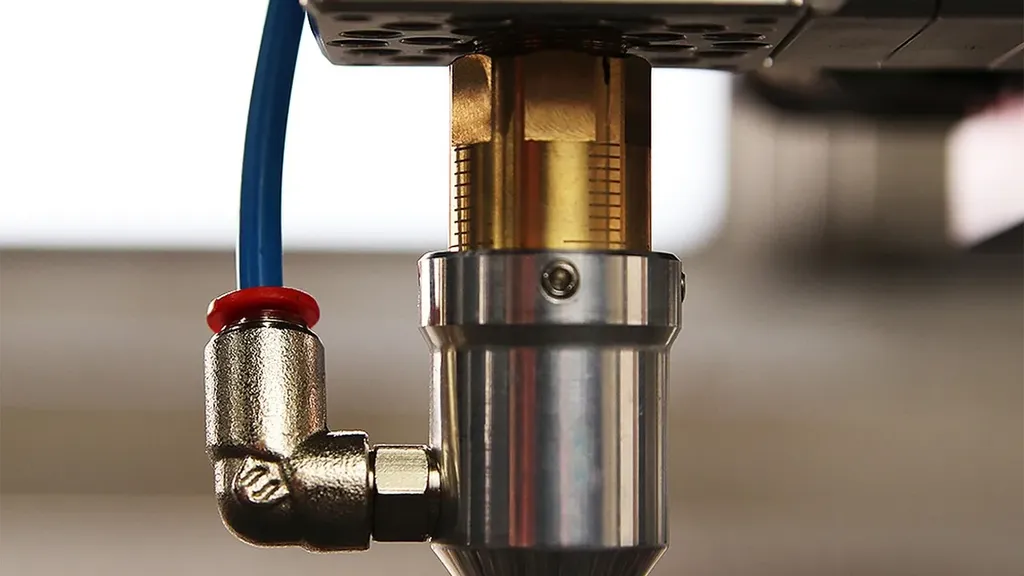
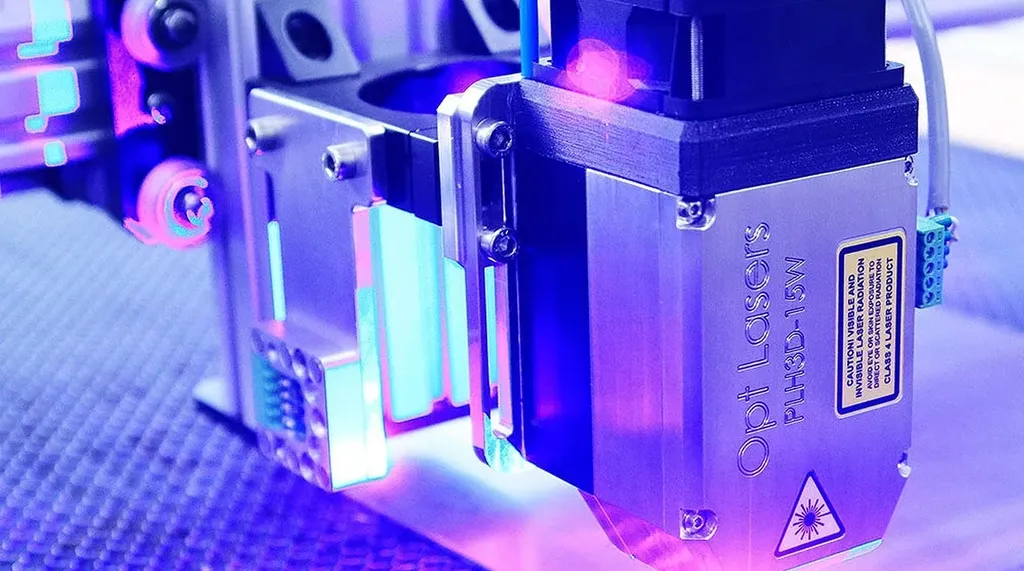
Leather projects were another highlight. I ran multiple tests on leather coasters, and the WeCreat Vista consistently delivered clean, precise engravings with minimal scorching. The key here is the machine’s ability to maintain consistent power levels – something not all diode lasers manage well.
The Camera System: A Game-Changer for Precision
One feature that genuinely impressed me was the TopView camera system. Unlike the fisheye cameras found in many competitors, the WeCreat Vista’s overhead camera provides undistorted, accurate views of the work area. This might sound like a minor detail, but in practice, it’s transformative for project setup and material alignment.
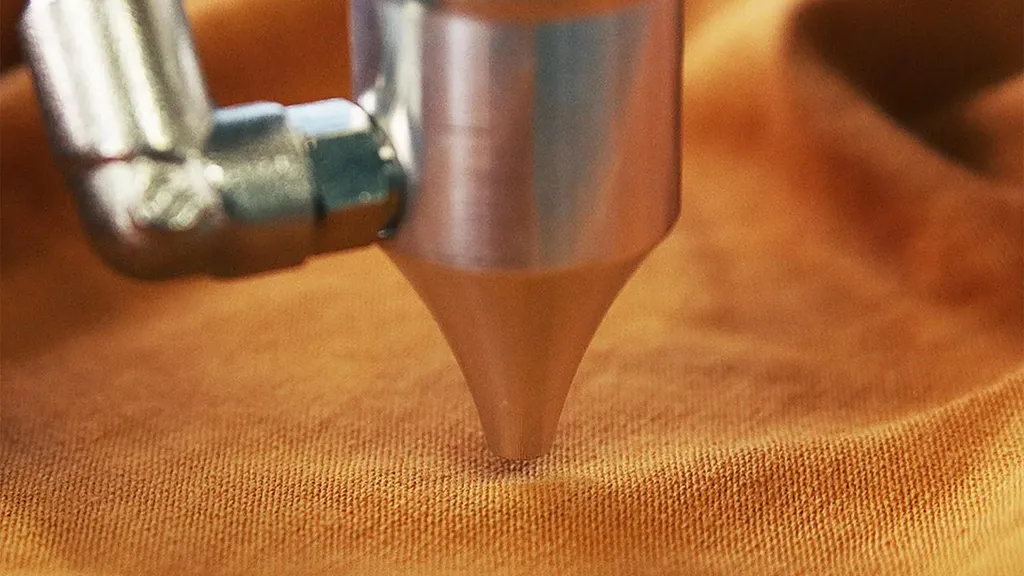
I tested this extensively with multiple projects, and the camera’s precision consistently helped reduce waste and setup time. The ability to precisely position designs before cutting saved me both materials and frustration – something any maker will appreciate.
Software Experience: Simple but Room for Growth
The WeCreat Vista works with both WeCreat’s own MakeIt software and LightBurn – a notable advantage for experienced users. I spent most of my testing time with MakeIt, which proves adequate for most tasks but shows room for improvement.
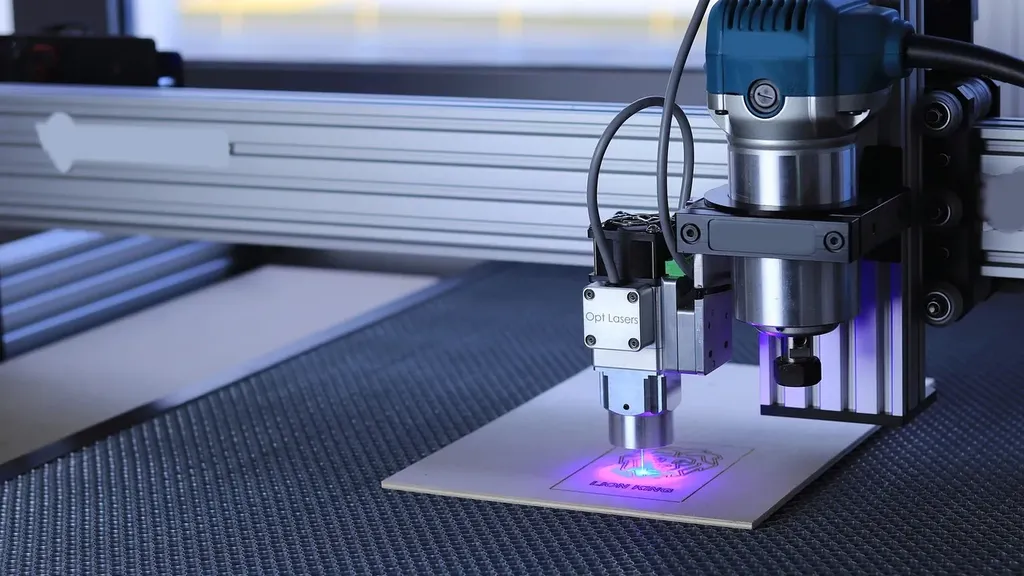
The software handles basic operations well – importing designs, setting power and speed, and controlling the machine are all straightforward. The included library of over 4,000 resources is a nice touch for beginners, though experienced makers will likely create their own designs.
However, I did encounter occasional WiFi connectivity issues, requiring reconnection through the setup process. While not a dealbreaker, it’s an area where WeCreat could improve the user experience.
Software Deep Dive
The WeCreat MakeIt software deserves more detailed discussion. While I mentioned some WiFi connectivity issues in the previous review, there are several strong points I didn’t cover. The software includes over 1,000 ready-to-make projects, which I found particularly useful for testing different material settings. The multi-language support is impressive, handling everything from Chinese and Japanese to Arabic and Hebrew – a significant advantage for users working with different scripts.
The software’s Quick View feature proved invaluable during testing, providing instant previews of how designs will appear on different materials. However, I did notice that more complex vector operations sometimes require workarounds – something that more experienced users might find limiting.
Safety Features That Matter
The WeCreat Vista takes safety seriously, which I appreciated during long cutting sessions. The fire-retardant metal enclosure and blue light filter lid mean you can operate it without safety glasses – though I’d still recommend them for longer sessions. The auto-stop feature worked reliably in my testing, immediately halting operations when the lid was opened.
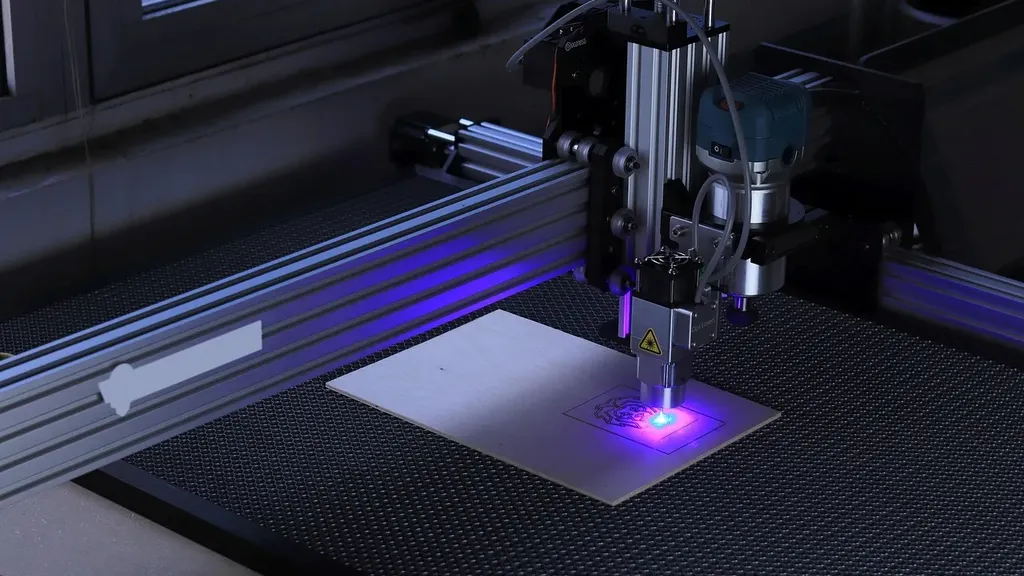

A particularly thoughtful touch is the flame detection system, which provides peace of mind during longer, unattended operations. During my testing, I intentionally triggered the safety systems several times, and they responded consistently and immediately.
WeCreat Vista Specifications Chart
| Specification | Details |
|---|---|
| Dimensions | 25.3″ x 18.5″ x 6.5″ (643 x 471 x 166mm) |
| Weight | 31.967 lbs (14.5 kg) |
| Working Area | 16.3″ x 11.4″ |
| Laser Type | 10W Diode + Optional 2W IR Module |
| Material Height Capacity | With tray: 20mm / Without tray: 40mm |
| Max Cutting Depth | 6mm (Basswood) |
| Camera System | TopView HD Camera (±1mm Precision) |
| Software Compatibility | WeCreat MakeIt (Free) & LightBurn |
| Safety Features | FDA Class 1, Fire Detection, Metal Enclosure |
| Special Features | FlipLaser (90° rotation), Built-in Air Assist |
| Pass Through Capacity | Up to 137″ with optional feeder |
| Material Compatibility | 300+ materials (with IR module) |
| Base Price | $799.99 (Sale) / $1,399.99 (Regular) |
Ventilation Considerations
One aspect I haven’t touched on is ventilation. While the WeCreat Vista includes decent smoke management features, I tested it with the optional Fume Extractor ($499.99, on sale from $799.99). The difference was noticeable – particularly when cutting acrylic or working with materials that produce more smoke. The metal enclosure does a good job containing fumes, but proper ventilation is still crucial for indoor use.
Long-Term Testing Observations
After several weeks of regular use, I noticed some interesting long-term characteristics. The laser alignment remained stable even after multiple power cycles and material changes – something that’s not always true with budget laser engravers. The blue light filter on the lid shows no signs of degradation, and the protective features like flame detection have remained consistently reliable.
Temperature management is another strong point – even during extended cutting sessions, the machine maintained consistent performance without any thermal issues. This is particularly important for larger projects where consistent power output is crucial for uniform results.
Real-World Limitations
No review would be complete without addressing limitations. The 10W laser, while capable, isn’t the fastest for cutting thick materials. If you’re planning primarily to cut thick wood or acrylic, you might want to consider higher-powered alternatives.
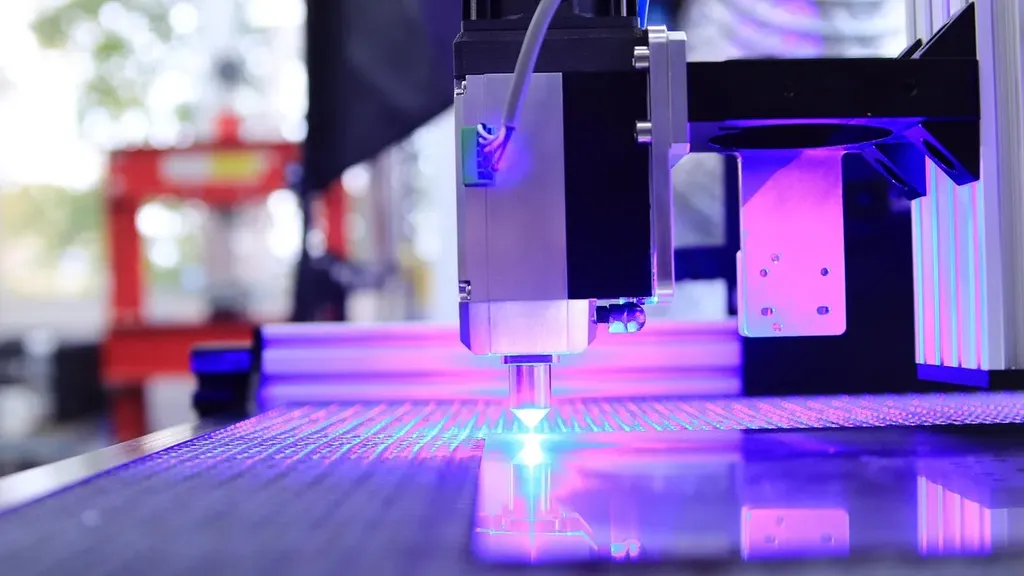
The rotary attachment, while innovative, has a small non-workable area near the chuck that occasionally requires workarounds for smaller items. WeCreat could improve this by including extenders in future packages.
Package Options and Value Proposition
WeCreat offers several package configurations worth discussing. I tested the Deluxe Pack ($1,399.99, on sale from $2,599.99), which includes both the rotary set and the IR laser module. The IR module’s ability to engrave metals adds significant versatility – I successfully engraved everything from business cards to metal tumblers with impressive detail.
The rotary set deserves special mention. Unlike many competitors that require complex setup procedures, WeCreat Vista’s rotary system uses a 3D preview feature that takes the guesswork out of cylindrical engraving. I tested this with various sized tumblers, and the “latch and roll” system genuinely requires no calibration – a massive time-saver for anyone doing regular tumbler work.
The Competition Factor
At its price point, the WeCreat Vista faces competition from machines like the Glowforge Aura and XTool M1. Having tested similar machines, the WeCreat Vista’s standout features – particularly the FlipLaser system and TopView camera – give it a unique edge. The included air assist and metal construction also feel more premium than the plastic enclosures common at this price point.
Comparison chart with Competitor
| Feature | WeCreat Vista (from $699) | Glowforge Aura (from $1199) | Glowforge Spark (from $699) | xTool M1 (from $899) |
|---|---|---|---|---|
| Compactness | ★★★★★ | ★★★★☆ | ★★★★☆ | ★★★★☆ |
| Size | 6.5” x 2.5” x 3.5” | 5” x 2.5” x 5” | 8” x 2.5” x 6” | 21.5” x 17” x 12” |
| Working Area | 16.5” x 11.4” | 12” x 12” | 8” x 12” | 15.2” x 11.8” |
| Rotary | World’s 1st FlipLaser | Not supported | Not supported | Not clear |
| Rotary Projects | 40 oz | Not supported | Not supported | Not clear |
| 3D Preview | Yes | Not supported | Not supported | Not supported |
| Camera | Top View HD Camera (±1mm Precision) | Wide-angle Camera (Distortion on edge) | Wide-angle Camera (Distortion on edge) | Camera (3-5mm Precision) |
| Laser Power | 10W Diode | 6W Diode | 6W Diode | 5W / 10W Diode |
| 2W Infrared Add-On | Yes (Expands to 300+ engravable materials) | Not supported | Not supported | Not supported |
| Software | Free | Premium Subscription | Premium Subscription | Free |
| Lightburn Compatibility | Fully compatible | Not compatible | Not compatible | Not compatible |
| FDA Class 1 | Yes | No | No | No |
| Fire Detection | Yes | No | No | No |
| Enclosure | Fire Retardant Metal | Plastic | Plastic | Plastic |
The Verdict After 100+ Hours
After more than 100 hours of testing across dozens of projects and materials, the WeCreat Vista emerges as a unique contestant in the desktop laser market. Its innovative features, particularly the FlipLaser system and TopView camera, genuinely improve the user experience rather than just adding complexity. The machine consistently delivered professional results across various materials – from clean wood cuts and precise acrylic engravings to detailed leather work and crisp metal marking with the optional IR module.
The WeCreat Vista is offered in several configurations, with the base model currently priced at $799.99 (regular price $1,399.99). At this price point, it delivers exceptional value, especially considering the included air assist system – a feature often sold separately by competitors. The Deluxe Pack at $1,399.99 (regular price $2,599.99) adds both the rotary set and IR laser module, significantly expanding the machine’s capabilities for those needing cylindrical engraving or metal marking features.
For beginners, the straightforward setup and built-in safety features make it an accessible entry point into laser crafting. More experienced users will appreciate the LightBurn compatibility and precision features, though they might occasionally bump against the limitations of the 10W laser. The compact size doesn’t compromise functionality, and the build quality suggests longevity – even after extensive testing, the laser alignment remained stable and consistent.
While the WeCreat Vista isn’t perfect – the proprietary software could use refinement, and some users might need more power for thick material cutting – it successfully delivers on its promise of bringing professional features to a compact, accessible package. For makers seeking a versatile, space-efficient laser engraver that can handle everything from simple wood engravings to complex tumbler projects, the WeCreat Vista proves itself as a compelling choice that punches above its weight class. Just ensure your specific needs align with its capabilities before making the investment.
The WeCreat Vista’s main distinguishing features are its patented FlipLaser system (allowing 90° rotation for easy tumbler engraving), TopView HD camera for precise alignment, compact 6.5″ height, and built-in air assist. It’s also fully compatible with LightBurn software and includes metal construction with comprehensive safety features, unlike plastic-enclosed competitors.
The WeCreat Vista 10W can effectively engrave and cut various materials including wood (up to 3mm plywood), colored acrylic, leather, and slate. With the optional 2W IR module, it can also engrave metals. However, it has limitations with clear/blue acrylics due to the blue light spectrum laser, and cutting thick materials requires slower speeds for best results.
The WeCreat Vista is designed for easy setup (15-minute initial setup) and comes with WeCreat MakeIt software featuring 4,000+ ready-made resources, including 1,000+ projects and multiple font options. However, some users report WiFi connectivity issues and recommend patience while learning the software’s features.
The WeCreat Vista ranges from the Basic Pack ($799.99, down from $1,399.99) to the Deluxe Pack ($1,399.99, down from $2,599.99). The Deluxe Pack includes the rotary set, IR laser module, and material pack. Important accessories like the Fume Extractor ($499.99) and Auto Pass Through Feeder ($399.99) are available separately.
The WeCreat Vista is FDA Class 1 certified and includes multiple safety features: fire-retardant metal enclosure, blue light filter lid (no safety glasses needed), auto-stop function when the lid opens, flame detection system, and built-in air assist. These features make it suitable for home workshops and small business environments.
The standard working area is 16.34″ x 11.42″ (A3 size), expandable to 137″ with the optional Auto Pass Through Feeder. It can handle materials up to 1.57″ (40mm) thick without the bed tray, or 0.79″ (20mm) with the tray installed. The machine itself is compact at 25.3″ x 18.5″ x 6.5″ and weighs 31.9 pounds.

Robb Koch is a USA tech journalist focused on laser engravers and other tech tools. He delivers concise, insightful reviews that help readers make informed decisions. Koch’s work spans the United States, Europe, and Asia, keeping users up-to-date on the latest advancements in the field.
Feel free to reach out to me at [email protected].